
AI OC maker
Describe your original character, pick a style, tap Create. No download, no sign-up to start.
Need ideas? See OCs and tips ↓OCs made with MonAI
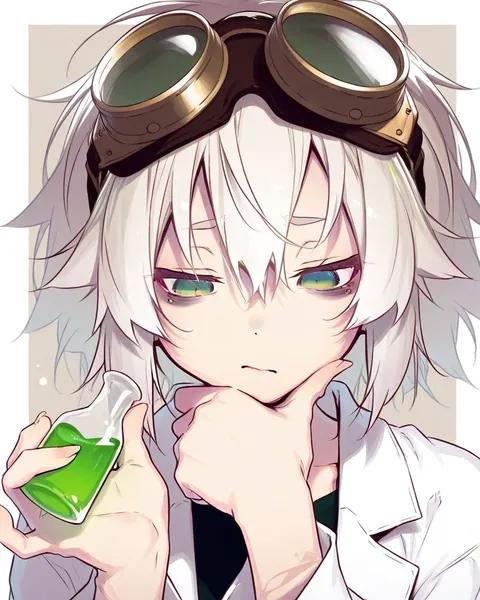
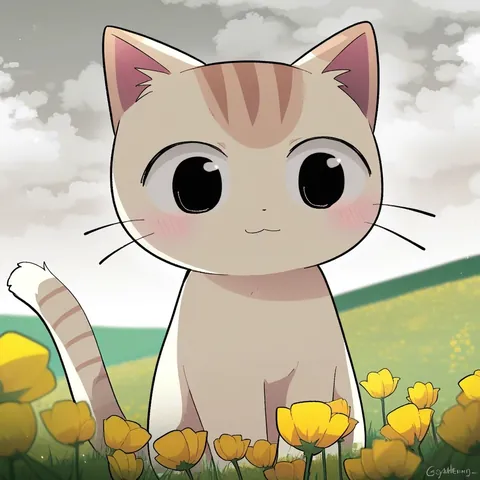
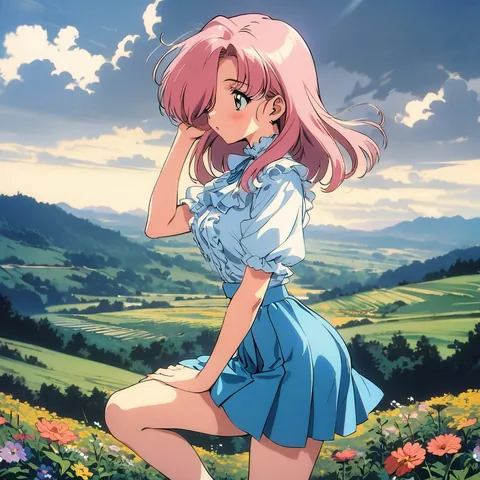
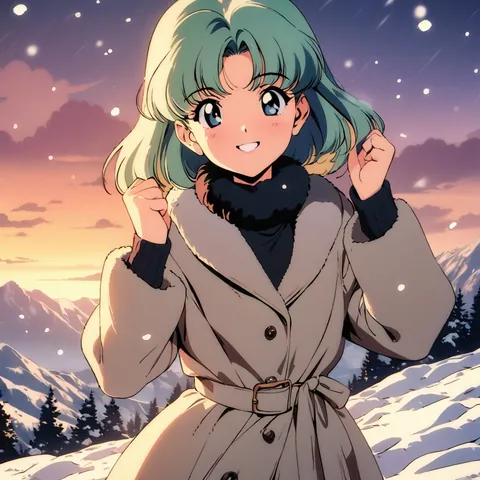
Every image here was made in MonAI. Tap Make this to open it with the exact prompt, model and settings that made it, then make the character your own.


How to make your OC in 3 taps
- Describe themWho they are, their colors, outfit and one signature detail, or tap an idea above.
- Pick a styleNova Anime or WAI-illustrious for anime, RedCraft Z-Image for full sentences and other looks.
- Tap CreateMonAI opens with everything filled in. Tap Create again and meet your OC.
How to describe your OC
- Start with who.
1girl,1boyor2girlsfor anime styles. Add what they are:fox ears, fox tail,small horns,witch hat. - Pick a color palette. Two or three colors make an OC recognizable:
long orange hair, green eyes, red hoodie. - Give them a signature detail. Goggles, a scarf, a scar, star earrings: something people remember them by.
- Use full body for a reference picture.
full body, standing, simple backgroundshows the whole outfit clearly. - Then add pose, mood and place.
thinking pose, lab backgroundorsitting on a wildflower hillonce you know how they look. - Write sentences for RedCraft Z-Image. It understands full sentences, so you can describe your OC the way you'd tell a friend.
Keep your OC looking the same
- Save the description. Reuse it word for word, and change one thing at a time: the pose, the place or the outfit.
- Use Edit image in the app. Open your favorite picture of your OC in MonAI and use Edit image to move the same character to a new setting or pose. See the Qwen Image Edit guide.
- Keep a reference. A full-body picture on a simple background is the easiest one to build from.
More: the character generator for fantasy, sci-fi and realistic characters, and the anime pfp maker for a profile picture of your OC.
Which style to pick

Nova Anime v18
The latest Nova Anime: more characters and styles, better poses and more vivid colors. A good place to start. Guide
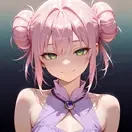
WAI-illustrious v17
An extremely popular anime model based on Illustrious XL. Guide

RedCraft Z-Image
A fast model that understands full sentences and many art styles, for OCs that aren't anime. Guide
Questions
Is it free?
Yes, you can create images for free. MonAI Premium removes ads and shortens wait times.
Is this a dress-up maker?
No. Instead of picking parts from a menu, you describe your OC in words and MonAI draws a new picture of them every time.
How do I keep my OC looking the same?
Save your description and reuse it, changing one thing at a time. Once you have a picture you love, open it in the MonAI app and use Edit image to put the same character in a new place or pose.
Can it make a character reference sheet?
Several views on one sheet aren't reliable, so this page doesn't promise them. A full-body picture on a simple background works well as a reference; make other views as separate pictures.
Do I need an account?
No. You can start creating without signing up. Log in when you want to keep your gallery on other devices.